
Mobile · Authentication
Change Password
User sets a new password after the reset request is verified.
Overview
Let the user finish password recovery by choosing a new password for their account.
- 1App navigates here after Verify PIN succeeds
- 2User enters and confirms a new password
- 3Taps Reset Password
- 4Password is updated server-side; all existing sessions are revoked
- 5User signs in again with the new password
Leads to: Sign-In
Screenshots
1 / 1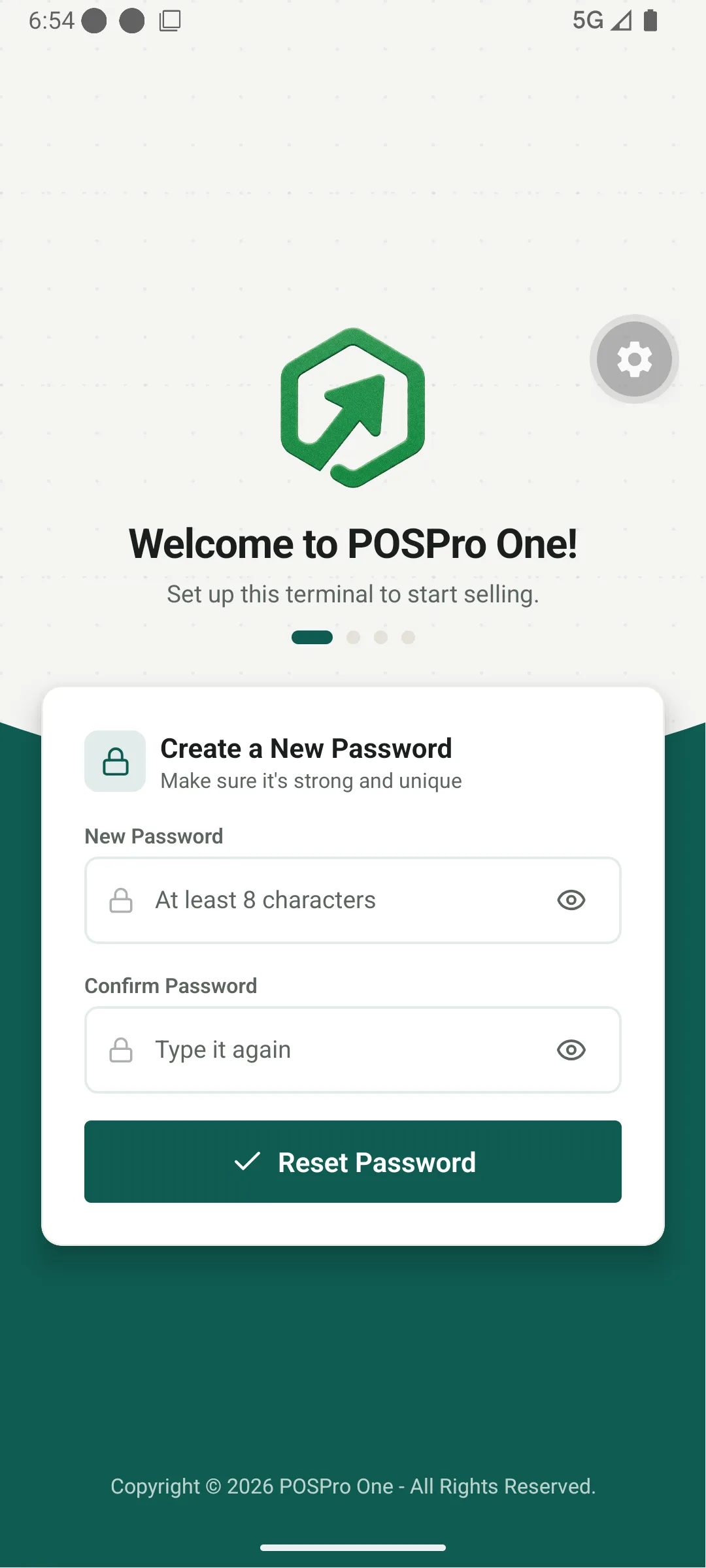
Components
Requirements
- • Minimum 8 characters
- • At least 1 uppercase letter
- • At least 1 number
- • At least 1 special character
- • Live strength indicator
At least 8 characters
Fair
Requirements
- • Required
- • Matches Password
Type it again
- Passwords do not match
Disabled until both fields are valid and match; shows a loading spinner while the request is in flight.